

Getting started
ImageFlow is a Mac app for designing photobooks and wall calendars with photos, Markdown text and editable templates. It checks your book as you work and exports proof and print-ready PDFs.
Requirements and installation
ImageFlow runs on Macs with Apple silicon. Download the .dmg from GitHub Releases, open it and drag ImageFlow to Applications.
Until the first release is published, build ImageFlow from source instead; see Setup.
Updates
The signed macOS release checks for updates automatically. Open ImageFlow → Settings… → General to turn Automatically check for updates on or off. ImageFlow → Check for Updates… checks manually, even when automatic checks are off.
Choose Stable for regular releases or Beta to include early versions. Switching back to Stable does not downgrade an installed beta; the next update must be newer than your installed version.
Available updates download in the background. When ready, choose Restart to Update, or Later to keep working. You can restart from Settings when convenient. Later dismisses the notice; a downloaded update also installs when you quit normally and is ready the next time you open ImageFlow. ImageFlow finishes saving open books before installing; resolve any save errors or unfinished text edits if they prevent closing.
Updates require a Developer ID signed release in a writable location. Move ImageFlow to Applications, eject the disk image and reopen the app before checking. Development and ad-hoc-signed builds cannot use automatic updates.
Your first book
- Open ImageFlow and choose New Book….
- Pick a template, then name and save the book. Under Start with, choose the template's starting spreads (the Photobook starts with a spread in each of its layouts) or an empty book. New books contain no photos or texts until you add them.
- Import JPEG, PNG, WebP, AVIF or HEIC photos with Assets → Import…, or drop them onto the Photos strip. Drag photos onto the spread's photo boxes.
- Drop a Markdown file onto a text box, or choose New Text in the Texts strip.
- Click the Book check icon in the status bar to review issues.
- Choose File → Export PDF…. If the checks find errors, review them and choose whether to export anyway.
Each book opens in its own window. Closing the last book returns to the start window. Window → Welcome to ImageFlow opens it at any time.
Built-in templates
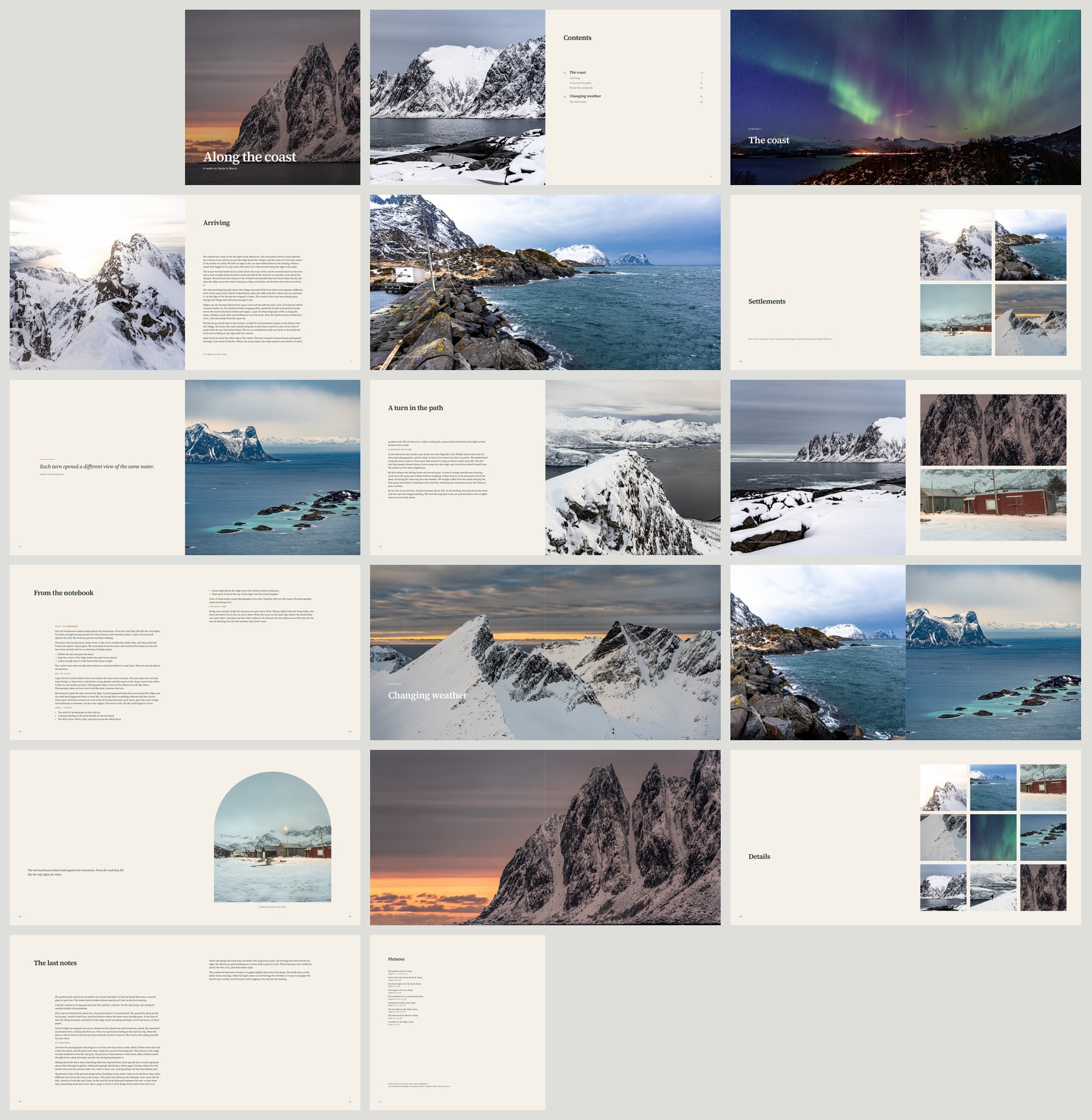
Photobook is a travel journal in square and landscape formats. Book settings control colours, heading fonts, text size, photo spacing and page numbers. Layouts include title and contents pages, chapters, photo stories, quotes, panoramas, grids, GPX maps and photo credits.
Wall calendar offers A3 and A2 landscape formats, with an optional cover and one photo per month. Book settings control the first month, language and colours. Mark dates in Marked days, such as 25.12 for every year or 2027-04-16 for once, or import all-day events from an .ics file. Click a month's days to mark a date once; Option-click marks it every year. Unsupported calendar repeats mark only their first date and produce a Book check warning.
Templates run code. Only open books and templates you trust.
Next steps
- Editing a book: spreads, photos, text and settings.
- Books and sources: document contents and linked files.
- Syncing books between Macs: a bucket or iCloud, and the library.
- The workspace: panels, menus and shortcuts.
- Writing templates: create your own layouts.
- Connecting agents: work with an AI agent.