Template library
Templates → Manage Templates… lists the templates available for new books. Select one to see its preview, formats, layouts, bundled packages and network permissions.
- Import: choose Import…, drop a template folder or
.imageflow-templatefile into the window, or open a template file in Finder. Imports with packages or network access require confirmation. - Export: share any entry, including built-in templates, as an
.imageflow-templatefile. - Remove: select an imported template and press Delete to move it to the Trash.
The library keeps one entry per template ID. A newer version replaces it; importing an older version asks first. Existing books keep their own template copies.
To share a template edited inside a book, import the book's template/ folder, then export the library entry.
Templates run code. Only import templates you trust. To create your own, see Writing templates.
Built-in examples
The Photobook starter includes a complete sample book in light and dark themes.
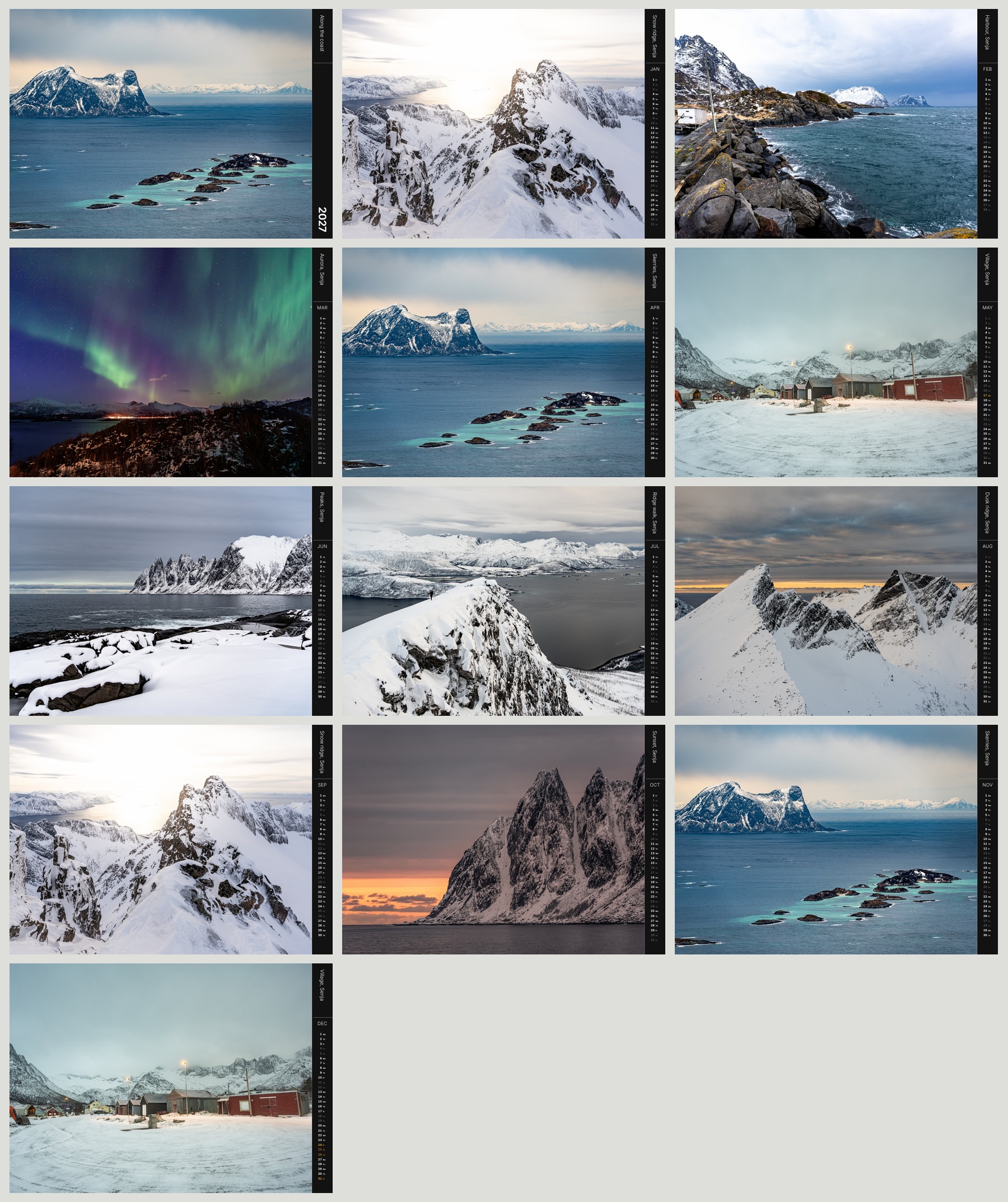
The Wall calendar starter includes a cover and twelve monthly pages. Open the January page to see the month strip in detail.